How to Optimize Google Maps for Medical Practices
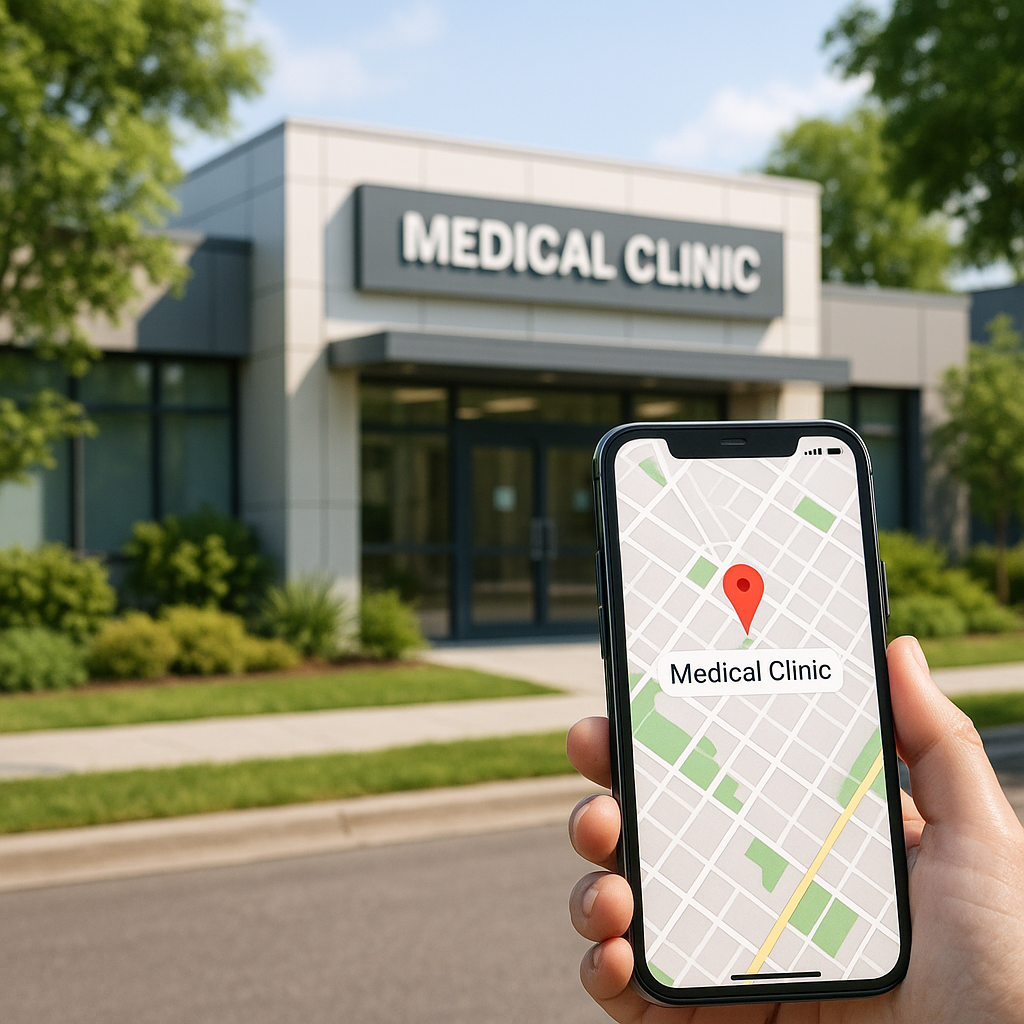
Many people assume that appearing on Google Maps is as simple as claiming your business and waiting for patients to find you. But in today’s AI-driven search landscape, Google Maps optimization is a nuanced, ongoing process—especially for medical practices. With more patients relying on Google Maps and AI assistants to locate healthcare providers, optimizing your presence isn’t just about being found; it’s about being chosen.
Key takeaways
- Google Maps optimization is crucial for medical practices seeking to boost local visibility and attract more patients.
- Route optimization tools can improve patient experience by simplifying directions and reducing travel time to your practice.
- A fully optimized Google Business Profile is foundational for strong Maps performance and local SEO.
- AI-driven search tools, including Gemini, are reshaping how patients discover healthcare providers via Maps.
- Integrating Google Maps optimization with GEO and local SEO strategies maximizes patient acquisition and online authority.
What is Google Maps optimization and why does it matter for medical practices?
Google Maps optimization refers to the set of strategies and actions that improve your practice’s visibility and ranking in Google Maps search results. For medical practices, this isn’t just about digital real estate—it’s about patient trust, convenience, and credibility. Patients searching for a “doctor near me” or “urgent care open now” are often ready to book an appointment. If your practice isn’t optimized for Maps, you’re likely losing out to competitors who are.
Optimizing Google Maps for medical practices ensures:
- Your location appears in the top local results for relevant queries
- Accurate, up-to-date information is available to patients
- You build trust through reviews, photos, and robust profiles
- Patients can easily find directions, parking info, and contact details
In a healthcare context, this translates directly to more appointment requests, higher patient satisfaction, and measurable practice growth.
How does Google Maps route optimization work, and is it relevant for healthcare providers?
Google Maps route optimization is the process of finding the most efficient path between multiple locations. While often associated with delivery or field service businesses, it’s surprisingly relevant for healthcare providers:
- Multi-location practices: Help patients choose the closest or most convenient office.
- Mobile healthcare teams: Optimize routes for home visits, vaccination drives, or mobile clinics.
- Patient convenience: Share optimized directions for parking, entrances, and accessible routes.
Tools like the Google Maps route optimization extension or the Google Route Optimization API can automate and streamline these tasks, improving both patient experience and operational efficiency.
What are the essential steps to optimize your Google Business Profile for Maps visibility?
Your Google Maps Business Profile is the foundation of your Maps presence. Here’s how to optimize it specifically for medical practices:
- Claim and verify your profile: Ensure you have ownership and that all information is accurate.
- Use precise categories: Select categories like “Medical Clinic,” “Pediatrician,” or “Urgent Care Center” to match patient search intent.
- Add comprehensive details: Include business hours, phone numbers, website, services, insurance accepted, and accessibility features.
- Upload high-quality photos: Showcase your facility, staff, and amenities to build trust.
- Encourage and respond to reviews: Patient testimonials and timely replies demonstrate care and credibility.
- Utilize posts and Q&A: Share updates, health tips, and answer common patient questions directly on your profile.
For more in-depth guidance, see our local SEO strategies for medical practices.
How can medical practices get Google Maps optimization right (and what are common mistakes)?
Success on Google Maps requires both technical precision and patient-centric thinking. Here’s how to get it right—and pitfalls to avoid:
- Consistency is key: Ensure your name, address, and phone number (NAP) are identical across all platforms.
- Don’t neglect secondary locations: Each branch or provider should have its own optimized profile.
- Monitor and update regularly: Outdated hours or incorrect info can frustrate patients and hurt rankings.
- Avoid keyword stuffing: Use natural language in your business description and services.
- Engage with reviews: Ignoring patient feedback can damage your reputation and visibility.
Request a practice audit and performance report to identify your Maps visibility gaps and avoid these common errors.
What tools and APIs are available for Google Maps route optimization?
Medical practices can leverage several tools for route optimization:
- Free route optimization Google Maps: Use the built-in “Add stop” feature for simple multi-stop routes.
- Google Maps route optimization extension: Chrome extensions and third-party apps can help plan complex routes for mobile teams.
- Google Route Optimization API: For advanced needs, this API allows custom integration of route planning into your scheduling or patient communication systems.
Note: Google Route Optimization API pricing varies based on usage and features. - Google Maps optimize route multiple stops: Ideal for practices with outreach programs or home health visits.
Choosing the right tool depends on your practice size and operational needs. For tailored recommendations, explore our generative engine optimization (GEO) solutions for healthcare providers.
Can Gemini or other AI tools use Google Maps data for healthcare search?
Yes—AI tools like Gemini are rapidly transforming how patients find healthcare providers. These platforms can leverage Google Maps data to:
- Surface nearby, highly rated medical practices in response to voice or text queries
- Provide real-time directions, estimated wait times, and appointment availability
- Personalize search results based on user preferences, insurance, and medical needs
Integrating your Maps optimization with AI search optimization for healthcare ensures your practice is discoverable not just on Maps, but across the next generation of search platforms.
How does Google Maps optimization fit into a broader local SEO strategy for doctors?
Google Maps optimization is a cornerstone of effective local SEO for healthcare. Here’s how it fits:
- Local intent: Many healthcare searches have a location component—Maps optimization ensures you appear for these high-intent queries.
- Reputation management: Reviews and ratings on Maps directly impact your local SEO authority.
- Link building: Citations and local backlinks reinforce your Maps presence.
For a comprehensive approach, see our guide on SEO for doctors and learn how to build a strategy that integrates Maps, GEO, and traditional SEO.
What are the latest trends in AI search and how are they transforming how patients find doctors on Maps?
AI-driven search is rapidly changing the healthcare discovery process:
- Conversational search: Patients use natural language queries (“Who’s the best pediatrician near me with Saturday hours?”) and expect personalized results.
- Multimodal search: AI tools combine Maps data, reviews, insurance info, and even provider bios to deliver tailored recommendations.
- Real-time updates: AI can highlight practices with current availability or short wait times, giving optimized profiles a competitive edge.
Staying ahead means aligning your Maps and GEO strategies with these emerging trends. Learn more about the differences between GEO and SEO and how they impact your practice’s discoverability.
How can GEO and Google Maps optimization work together for maximum patient acquisition?
Generative Engine Optimization (GEO) and Google Maps optimization are complementary strategies. While Maps optimization ensures strong local visibility, GEO focuses on making your practice discoverable in AI-powered search engines and assistants.
- Unified data: Ensure your practice information is consistent across Maps, your website, and AI platforms.
- Structured content: Use schema markup to help AI tools understand and surface your services, specialties, and credentials.
- Proactive engagement: Regularly update your Maps profile and publish authoritative content to build trust with both patients and search engines.
For a holistic strategy, explore our generative engine optimization (GEO) services for healthcare providers.
Frequently Asked Questions
What is Google Maps optimization?
Google Maps optimization tactics are methods used to improve a business’s visibility in local search results on Google Maps, making it easier for customers to find and choose your services. For medical practices, this means higher patient trust, more appointment bookings, and a stronger local reputation.
Can Google Maps do route optimization?
Yes, Google Maps offers built-in route optimization features for multi-stop journeys, allowing users to add multiple destinations and automatically find the most efficient path. For more advanced needs, the Google Route Optimization API can be integrated into healthcare scheduling and logistics systems.
How to get Google optimization?
To optimize for Google, claim and verify your Google Business Profile, ensure accurate and consistent information, gather patient reviews, and regularly update your profile. For medical practices, leveraging local SEO and GEO strategies is essential for maximizing visibility and patient acquisition.
Can Gemini use Google Maps?
Yes, Gemini and other AI tools can utilize Google Maps data to enhance healthcare search experiences. They can surface nearby providers, offer directions, and personalize recommendations based on user needs and preferences.
Ready to take your practice’s Maps presence to the next level? Learn more about our Google Maps optimization services for medical practices or request a practice audit and performance report today.
References
Want your practice found like this?
Get a free practice visibility audit — we’ll show you exactly where patients are slipping to competitors across Google, Maps, and AI search, and what it takes to win them back.




Leave A Comment